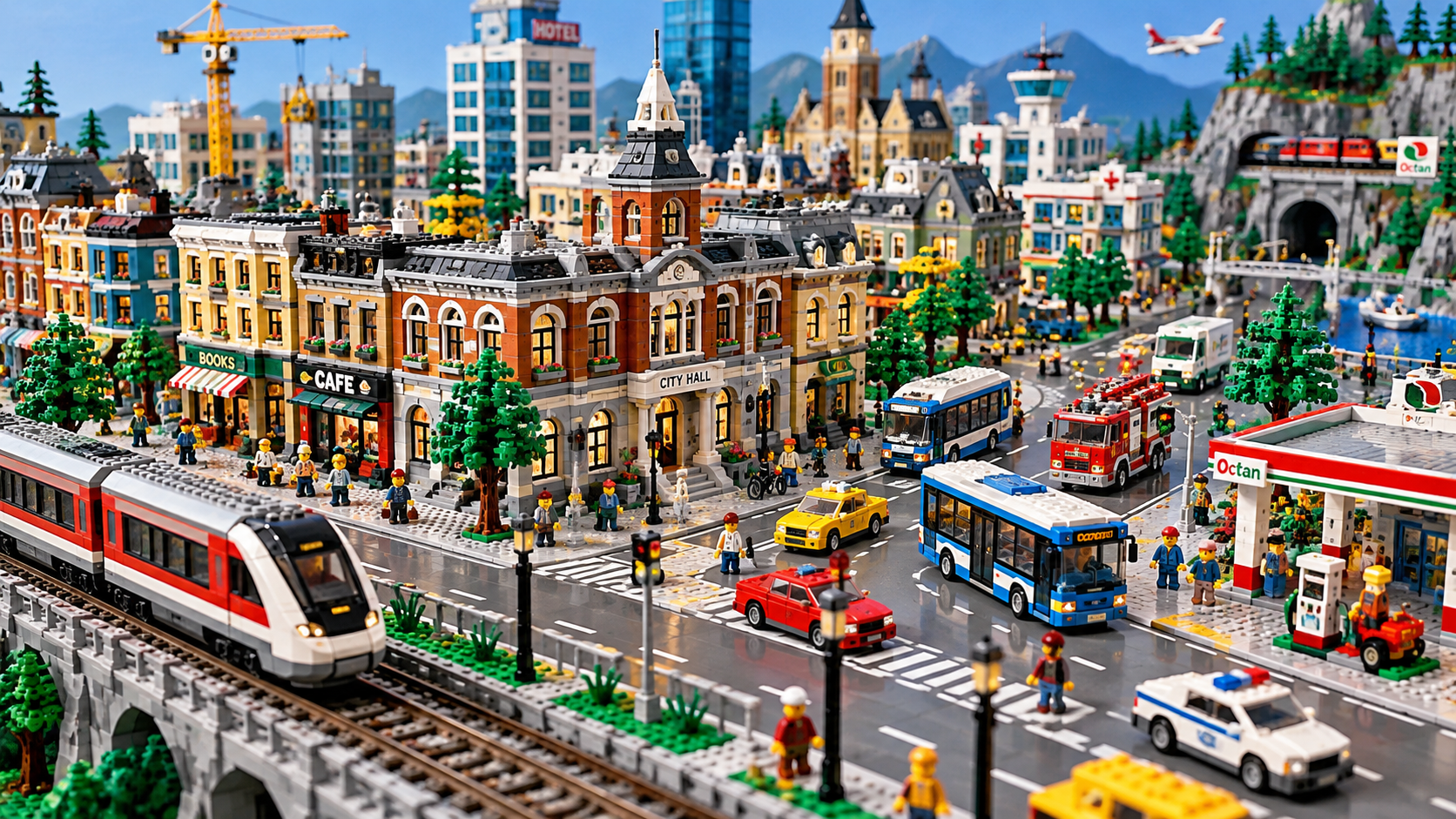
Building a LEGO city is more than finding space for buildings. A successful layout connects streets, neighborhoods, transportation, and public spaces into a display that can evolve as your collection grows.
Start With the Space You Have
Before placing buildings, measure the available display area. Account for table edges, shelves, ceiling clearance, and the space needed to reach structures for repairs or rearrangement.
A layout that looks impressive on paper may become difficult to maintain if buildings are packed too tightly.
Build the Road Network First
Roads establish the basic organization of a city. Decide where your main streets, intersections, and transportation routes will go before filling every available space with structures.
Leave room for sidewalks, emergency vehicles, intersections, and connections to future neighborhoods.
Give Each Neighborhood a Purpose
Organizing a city into districts makes planning easier. A downtown area might contain offices and shops, while another section features homes, parks, and community services.
Industrial areas, waterfronts, airports, and train yards can become separate destinations within the larger layout.
Think About Transportation
Trains, buses, delivery vehicles, and pedestrians help make a city feel connected. If you plan to include a railroad, consider track curves, switches, and access before committing to permanent building positions.
Leave Space for Tomorrow
One of the biggest challenges in LEGO city building is expansion. New sets arrive, collections change, and favorite buildings get rearranged.
Leaving flexible spaces and using a modular approach can prevent major reconstruction later.
The best LEGO city isn’t necessarily the largest. It’s the one that remains enjoyable to build, change, and explore.